Google My Business: get your local business found online
Think about the last time you searched for a shop, salon, or restaurant near you. Most likely, you opened Google and typed something like “gym near me” or “mobile repair shop in Delhi.”
Your customers are doing the same thing.
If your business does not appear there, you are not even in the competition.
This is where local seo becomes important, and the easiest way to start is by setting up your Google My Business, now called Google Business Profile.
It is a free tool that helps your business appear on Google Search and Maps. Whether you run a kirana store in Nagpur, a salon in Surat, or a coaching centre in Patna, this is one of the simplest ways to get discovered.
Why local seo matters for small store owners in India
Local seo means making your business visible when someone nearby searches for what you offer.
For example:
- “stationery shop near me”
- “best gym in Bhopal”
- “cake shop in Indore”
These are high-intent searches. People searching this are not browsing. They are ready to visit or buy.
According to Google (Think with Google, 2023), 46 percent of all searches have local intent. That means almost half of all Google searches are people looking for something nearby.
Another important insight: 76 percent of people who search for a nearby business visit it within 24 hours.
For small business owners, this is not just traffic. This is real footfall.
If your store is not showing up, that customer is going to your competitor.
What is Google My Business in simple words
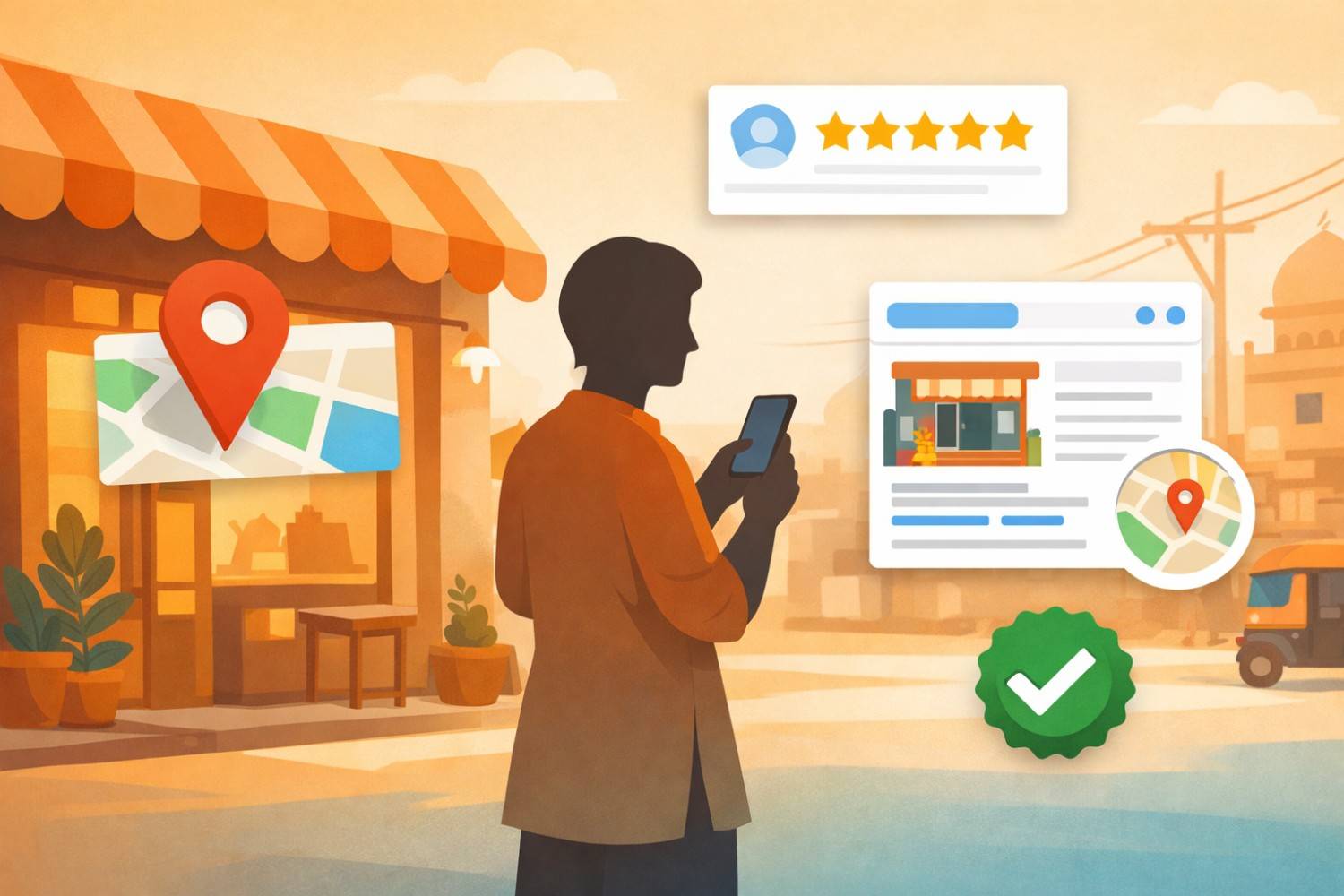
Google My Business (Google Business Profile) is your online shop board on Google.
It shows:
- your shop name
- location
- phone number
- timings
- photos
- reviews
When someone searches for your type of business, Google shows these profiles.
Think of it like this.
If your physical shop needs a signboard, your Google profile is your digital signboard.
How to set up your Google Business profile step by step
Setting up your profile is simple and takes around 20 to 30 minutes.
Step 1
Go to business.google.com and click “manage now”
Step 2
Enter your business name
If your business already appears, claim it instead of creating a new one
Step 3
Choose your category
Example:
- “clothing store” instead of just “store”
- “dental clinic” instead of “clinic”
This helps Google understand your business better
Step 4
Add your location or service area
If customers visit your shop, add your full address
If you deliver or visit customers, set a service area
Step 5
Add phone number and website
If you do not have a website, you can still use this profile as your online presence
Step 6
Verify your business
Usually through a postcard, sometimes via phone or email
Once verified, your business can start appearing on Google.
How local search actually works (3 simple factors)
Google uses three main factors to decide which business to show.
1. relevance
How closely your business matches the search
Example:
If someone searches “ladies salon in Jaipur” and your category is “beauty salon,” you are relevant
More complete profile = better relevance
2. distance
How close your business is to the person searching
You cannot change your location, but you must ensure your address is correct
Wrong address = you will not show up
3. prominence
How trusted and popular your business looks online
This includes:
- number of reviews
- rating
- activity on profile
- mentions online
Building a strong local business listing that customers trust
Let us understand this with a simple example.
You search:
“salon near me”
You see two options.
shop A
- no photos
- no reviews
- no timing
shop B
- 4.5 rating with 60 reviews
- real photos
- open till 9 pm
Which one will you choose?
Most people choose shop B.
That is how local seo works.
What is a good benchmark
- less than 5 reviews → low trust
- 10 to 30 reviews → average
- 50+ reviews → strong presence
What your profile must include
- correct name, address, phone
- business hours
- 10 to 15 real photos
- simple business description
- product or service list
According to Google Business data, listings with photos get 42 percent more requests for directions and 35 percent more website clicks.
Getting reviews to boost your local visibility
Reviews are one of the strongest ranking factors.
But many sellers wait for reviews instead of asking.
Simple system that works in India
After a customer purchase, send a WhatsApp message:
“Thank you for visiting 😊
If you liked our service, please leave a quick Google review. It helps our business grow.”
Add your review link.
What happens in numbers
If you ask 10 happy customers:
- 3 to 5 will leave a review
If you do this daily:
- you can reach 50 reviews in 1–2 months
That is enough to significantly improve your ranking.
Always reply to reviews
Example:
Customer says:
“Good product but delivery was late”
Reply:
“Thank you for your feedback. We are working to improve delivery time and hope to serve you better next time.”
This builds trust.
How to use AI to improve your Google profile
Many small sellers hear about AI but don’t know how to use it.
Here are simple ways.
1. writing your business description
Prompt:
“Write a simple 100 word description for a grocery store in Lucknow”
Then edit it slightly.
2. replying to reviews
Prompt:
“Write a polite reply to a customer complaining about late delivery”
This saves time and keeps responses professional.
3. creating Google posts
Prompt:
“Write a Diwali offer post for a clothing store”
You can post it directly.
Keeping your profile active with posts
Google allows you to post updates like social media.
Examples:
- new product launch
- festive offers
- new timings
- customer stories
Each post stays for 7 days.
Active profiles rank better than inactive ones.
Common mistakes small business owners make
Many sellers create their profile and forget it.
Some common mistakes:
- wrong address
- no photos
- no reviews
- outdated timings
- no updates
These reduce visibility.
Small improvements that bring real results
- add real photos (not stock images)
- keep timings updated
- collect reviews regularly
- reply to every review
- post once a week
You can also apply simple content marketing strategies like sharing product stories, behind-the-scenes posts, and customer experiences to keep your profile active and engaging.
Conclusion
Setting up your Google Business profile is one of the easiest and most powerful steps for local seo.
But results do not come from just creating it.
They come from keeping it active, building trust, and giving clear information.
This is where seo for ecommerce and local businesses connects. Whether you via online store or offline, your visibility on Google decides how many customers discover you.
Start today.
Create your profile. Add photos. Ask for reviews. Post updates regularly.
Over time, your Google listing becomes a steady source of customers without spending on ads.
References
Google think with google report
Google business profile help documentation
Statista ecommerce and local search data
BrightLocal local consumer review survey


.png)